CockroachDB GUI Client for Mac
CockroachDB, with a proper Mac client.
CockroachDB speaks the PostgreSQL wire protocol, so Rowwright brings its full toolset — data grid, SQL editor, structure view and ER diagrams — to your distributed SQL clusters.
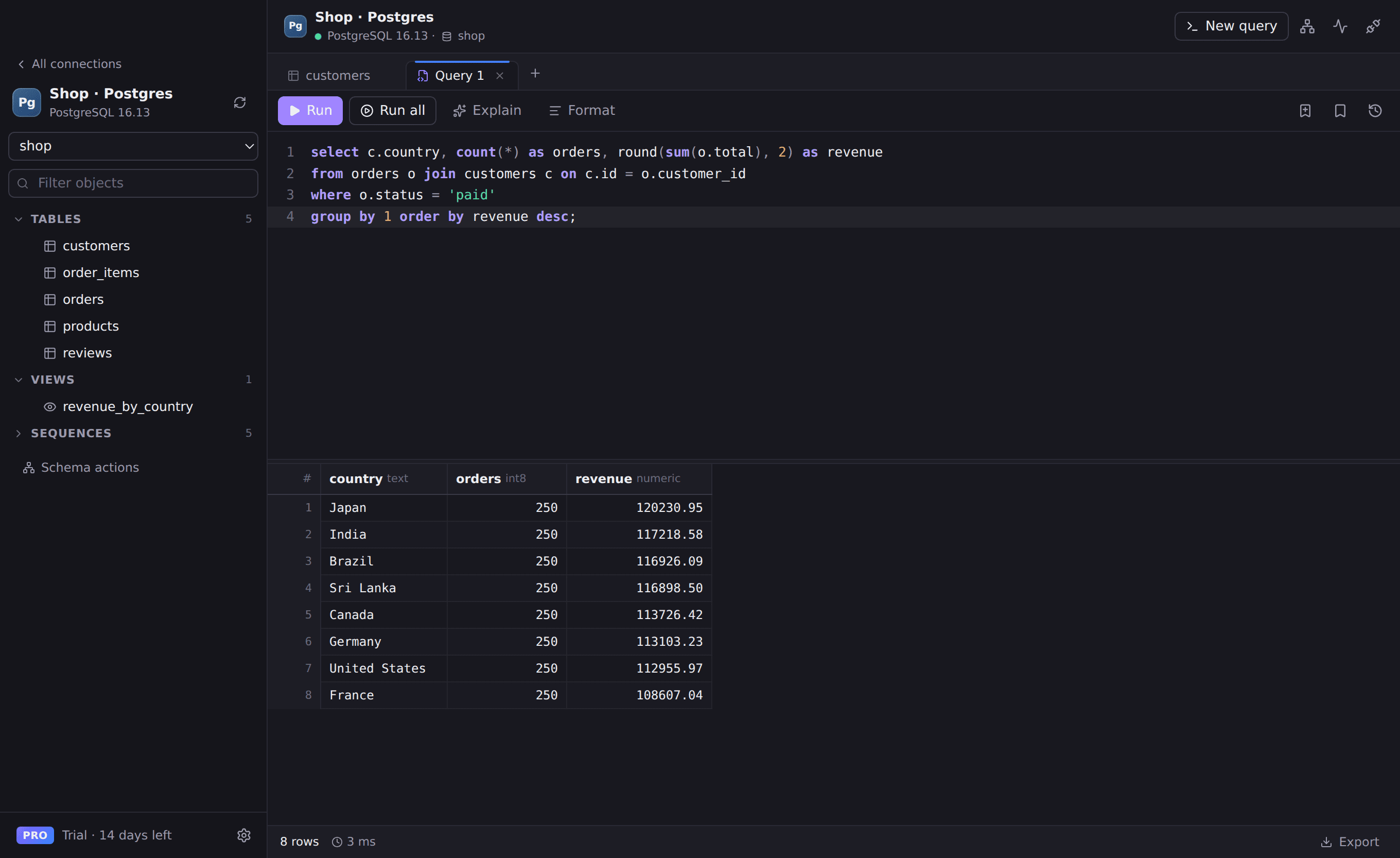
Everything you need for CockroachDB
PostgreSQL-compatible
Connect with a standard postgresql:// connection string and SSL.
Data editing
Edit, insert and delete rows with transactional saves.
SQL editor
Autocomplete, formatting, history and multiple result sets.
Schema insight
Columns, indexes, foreign keys and diagrams generated from your schema.
Works with
- CockroachDB self-hosted
- CockroachDB Cloud
- SSL with custom CA certificates
Connect in seconds
- 1. Open Rowwright and click New connection.
- 2. Paste a connection URL, or fill in host, port and credentials:
postgresql://user:password@free-tier.example.cockroachlabs.cloud:26257/defaultdb3. Press Save & Connect. Passwords are stored in your macOS Keychain.
CockroachDB questions
- How do I connect to CockroachDB Cloud?
- Copy the connection string from the Cloud console into New connection. If your cluster uses a private CA, add the certificate under SSL / TLS.