Ms
SQL Server Client for Mac
SQL Server on a Mac, without the workarounds.
Rowwright connects directly to SQL Server and Azure SQL — no virtual machine required. Browse schemas, edit rows, run T-SQL batches and read table structure from a native-feeling Mac app.
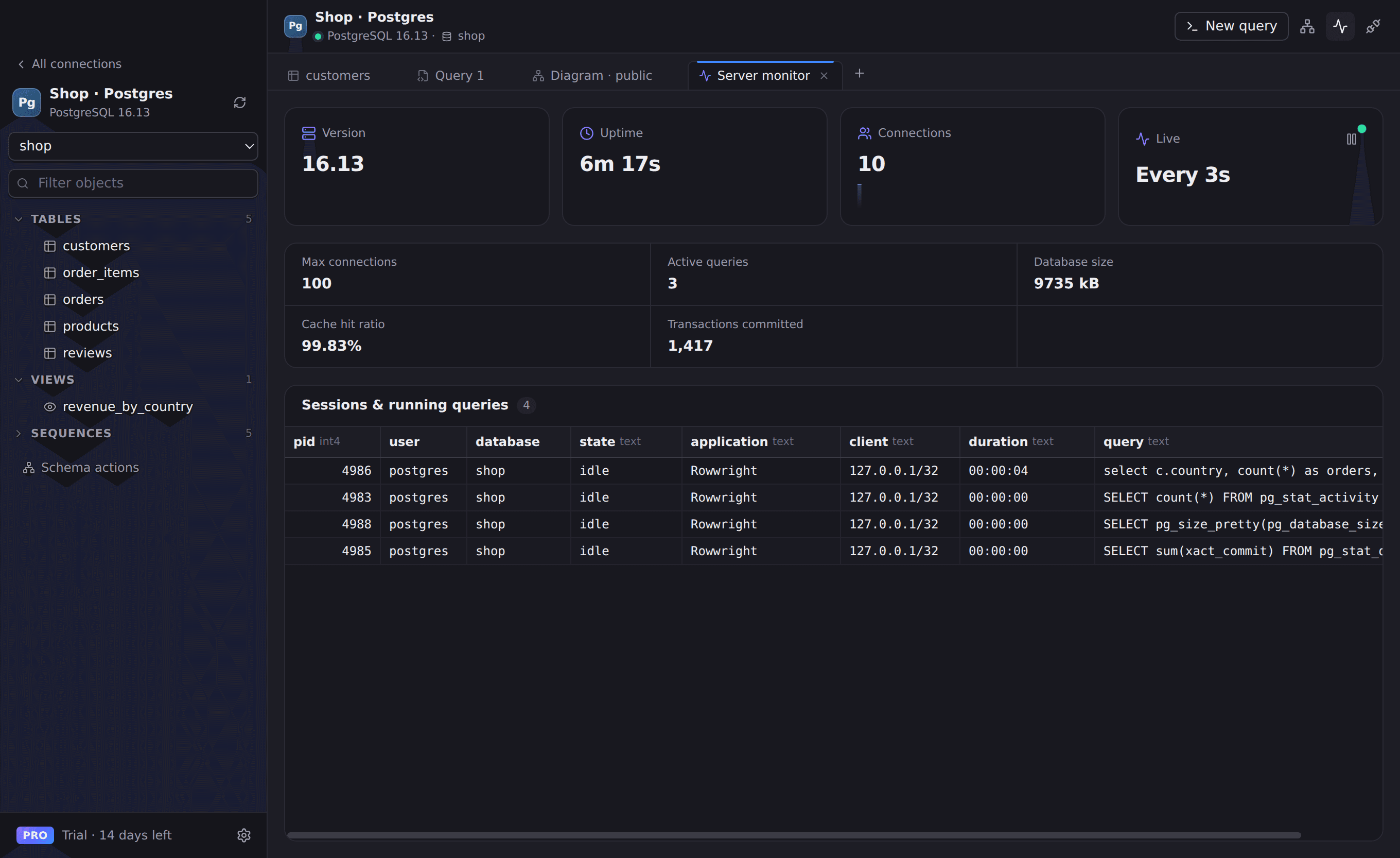
Everything you need for SQL Server
Schemas & objects
Tables, views, procedures and functions grouped by schema, with dbo first.
T-SQL batches
Run multi-statement batches and see every result set.
Structure view
Columns with precise types, identity columns, indexes and foreign keys.
Sessions
See active sessions and requests, and terminate a runaway one.
Works with
- SQL Server 2017 and newer
- Azure SQL Database
- Encrypted (TLS) connections
Connect in seconds
- 1. Open Rowwright and click New connection.
- 2. Paste a connection URL, or fill in host, port and credentials:
mssql://sa:password@sql.example.com:1433/master3. Press Save & Connect. Passwords are stored in your macOS Keychain.
SQL Server questions
- Do I need Windows or a VM to use SQL Server on my Mac?
- No. Rowwright connects to SQL Server over the network directly from macOS.