MariaDB GUI Client for Mac
A calm, fast MariaDB client for Mac.
Everything you need for MariaDB — data editing, a query editor, structure and DDL, and the live process list — in one app that also connects to the rest of your stack.
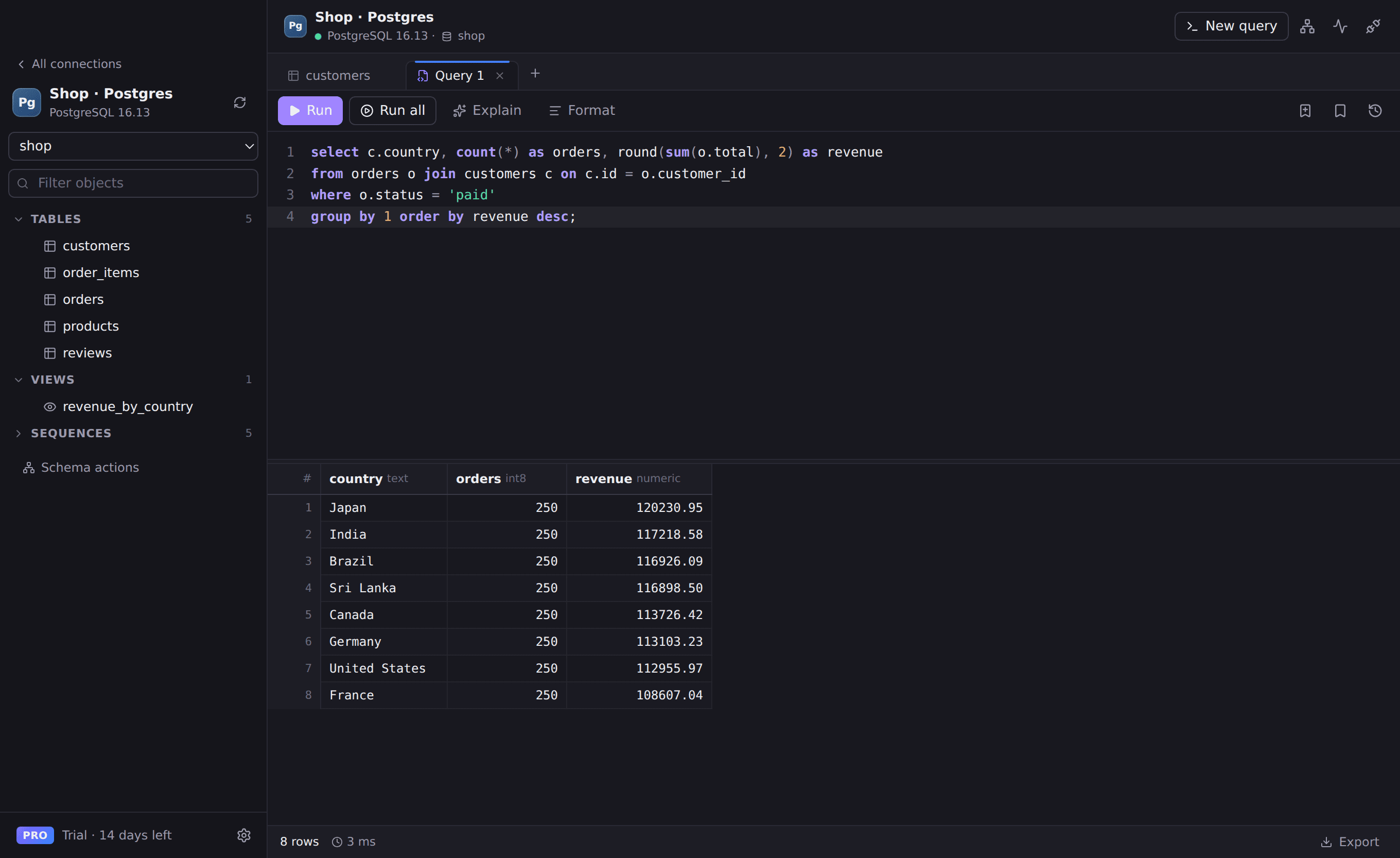
Everything you need for MariaDB
Fast data grid
Virtualized rows, sorting, filters and pagination that stay smooth on big tables.
Query editor
Autocomplete, formatting, EXPLAIN, history and saved queries.
Structure & DDL
Columns, indexes, foreign keys and SHOW CREATE TABLE output in one place.
Safe by default
Tag production connections so destructive queries always ask first.
Works with
- MariaDB 10.x and 11.x
- Amazon RDS for MariaDB
- Self-hosted servers
Connect in seconds
- 1. Open Rowwright and click New connection.
- 2. Paste a connection URL, or fill in host, port and credentials:
mariadb://root:password@127.0.0.1:3306/analytics3. Press Save & Connect. Passwords are stored in your macOS Keychain.
MariaDB questions
- Is MariaDB support different from MySQL?
- Rowwright uses the same fast driver for both and labels MariaDB connections separately, so your connection list stays clear.